
BUILD YOUR GANGSHEET
(LENGTH x WIDTH)
12x22 $7.00 24x22 $13.00
36x22 $19.00
48x22 $24.00
60x22 $30.00
72x22 $37.00
84x22 $42.00
96x22 $49.00
120x22 $61.00
144x22 $77.00
192x22 $92.00
240x22 $107.00
300x22 $137.00
File Formatting
Image Guidelines
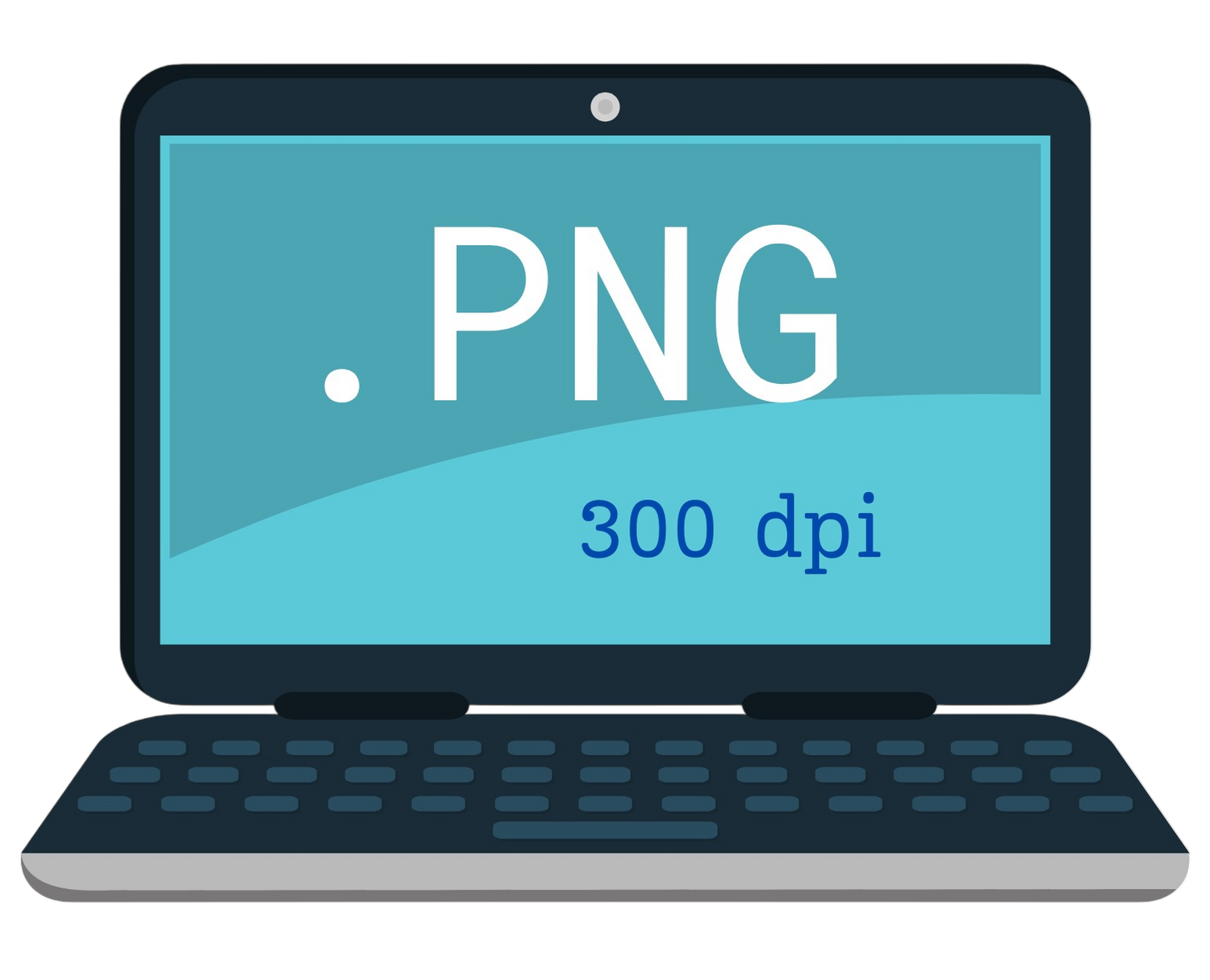
-Original image must be minimum 300 dpi and in PNG format. Only PNG is accepted for gang sheet orders.
-Ensure that your file has a transparent background.
Note: enlarging a 300dpi image (i.e. from 3" to 9") and exporting it may cause pixelation and quality issues.
-Color shifts can occur when converting to CMYK for DTF printing.
-Do not mirror your image, and please use transparent or removed backgrounds (unless you want the background printed).
-We recommend a minimum of 7.5px/0.25" for small fonts or thin lines to ensure the ink and powder is applied properly.
-Avoid neon glow, gradients, and soft edges. DTF printers can have issues printing these designs accurately.
-We print what we receive. Spelling, placement, sizing, and image quality will not be fixed by our team.
MOST COMMON
SIZING
Full Front/Back Designs --------Left Chest Designs
- Youth Small - 8x10 ---3x3
- Youth Medium - 9x10 --- 3x3
- Youth Large - 10x10 --- 3x3
- Adult Small - 11x11 --- 4x4
- Adult Medium - 11x11 ---4x4
- Adult Large - 11x11 ---4x4
- Adult 2xl -12x12 --- 4x4
- Adult 3xl and up---see *disclaimer below*
* All sizes should consider the design image when sizing. Sizes should be based upon the proportions of the print. *
INSTRUCTIONS
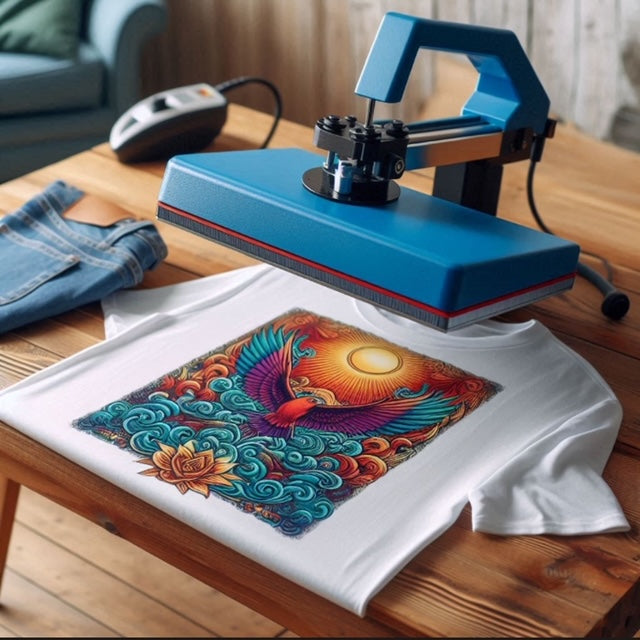
HEAT PRESSING
Preheat the Heat Press: Set your heat press to around 300°F to 350°F. Preheat it for a few seconds before starting.
Pre-Press the Garment: Place the shirt on the heat press with a heat press pillow inside to create a flat surface. Pre-press the garment for about 7-15 seconds to remove moisture and wrinkles.
Position the Transfer: Peel the DTF transfer from its backing paper and place it on the shirt with the image facing up. Align it carefully.
Cover the Transfer: Cover the transfer with a Teflon sheet or parchment paper to protect it and ensure even heat distribution.
First Press: Press the transfer at 300°F to 350°F for 10-20 seconds with medium to high pressure.
Cold Peel: Allow the transfer to cool for about 5 minutes before peeling. Carefully peel the transfer film away from the garment.
Second Press: Cover the transfer again with a Teflon sheet or parchment paper and press it once more at 300°F to 350°F for 10-15 seconds.
Final Steps: Let the shirt cool completely. Wash the shirt inside out in cold water and hang it to dry for the best results.
AFTER PRESSING
CARE
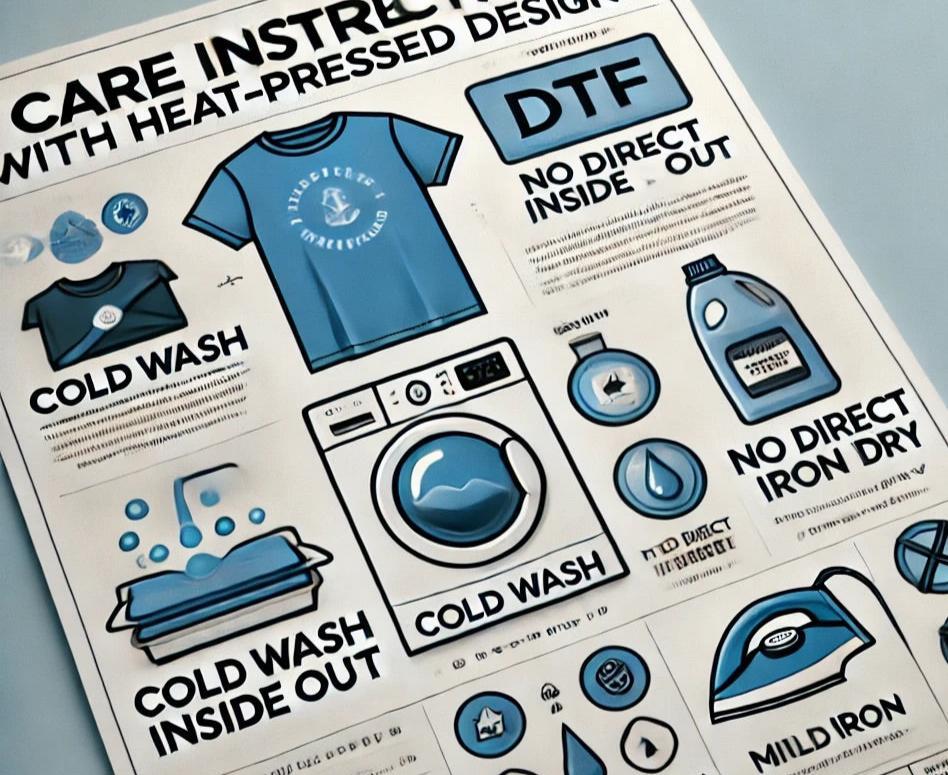
TO ENSURE THE LONGEVITY OF YOUR DIRECT-TO-FILM (DTF) HEAT PRESSED DESIGN, FOLLOW THESE CARE INSTRUCTIONS:
- WAIT BEFORE WASHING: Allow the garment to rest for at least 24 hours before its first wash to let the design cure fully.
- WASH GARMENT INSIDE OUT: Turn the garment inside out to protect the print from friction during washing.
- USE COLD WATER: Wash in cold water on a gentle cycle to prevent fading and cracking of the design.
- AVOID HARSH DETERGENTS: Use mild detergents without bleach or strong chemicals.
- DO NOT IRON DIRECTLY: Avoid ironing directly on the design. If needed, use a protective cloth or parchment paper over the print.
- AIR DRY PREFERRED: Hang the garment to air dry. If using a dryer, choose a low heat setting.
- AVOID FABRIC SOFTENERS: These can degrade the adhesive bond of the design over time and damage the product.
FOLLOWING THESE STEPS WILL HELP MAINTAIN THE VIBRANCY AND DURABILITY OF YOUR DTF HEAT PRESSED GARMENT.
Quality Products
VIBRANT COLOR PRINTS
Shop the Best in DTF Prints: Bold, Vibrant Colors, Uncompromising Quality.
Quick Service
SHIPPING AND DELIVERY
Experience Lightning-fast Delivery for your DTF prints.

Premier Printing
QUALITY
Enhance Your Brand's Image with Top-Notch Customer Support in DTF Printing.